Purchases and vendors
What you bought, from whom, and the VAT you were charged. This is the input side of your VAT return: a purchase you never record is input VAT you never reclaim.
Who. Admin and Accountant.
What you see
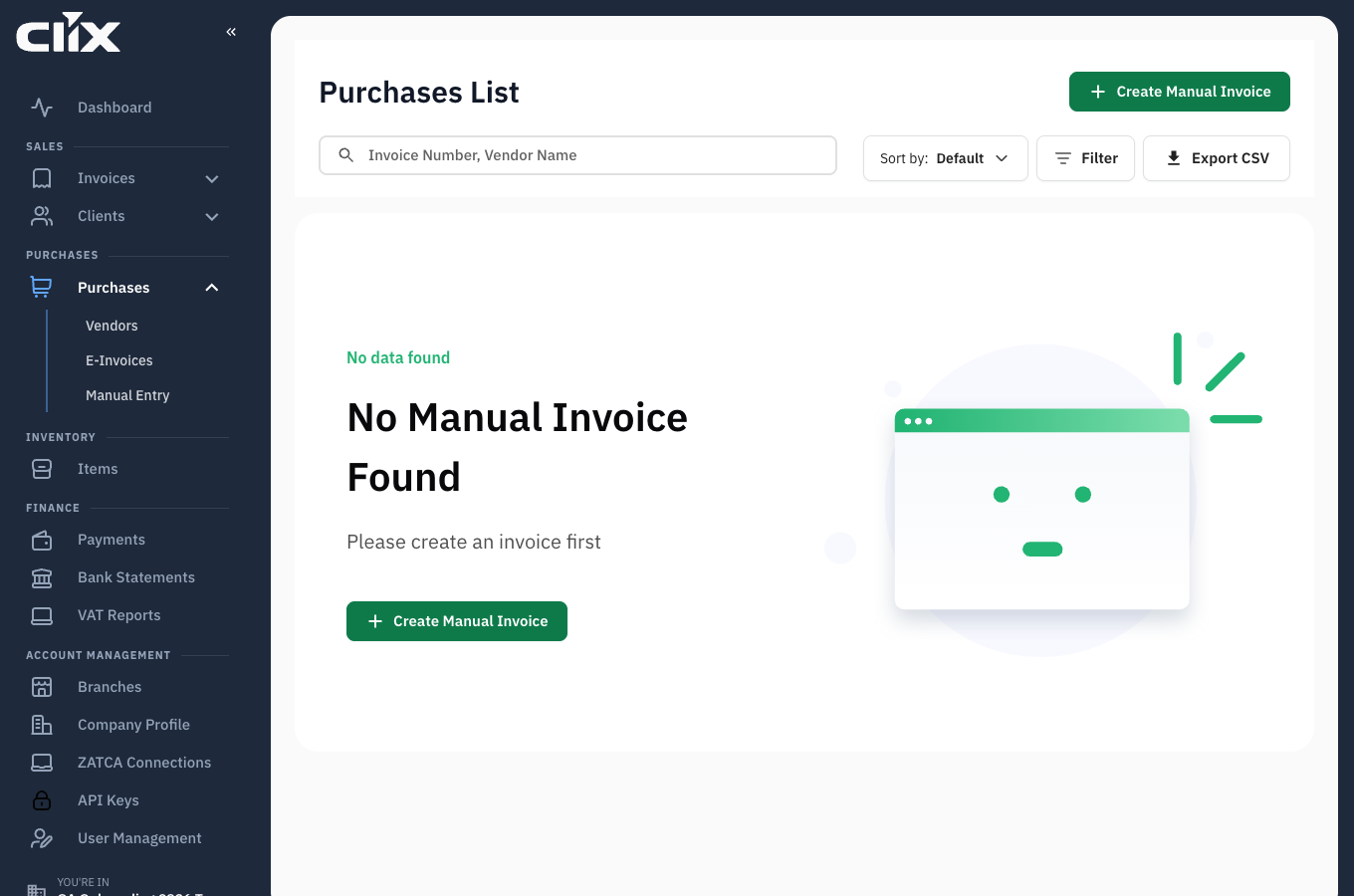
- Purchases List: purchase invoices you have recorded.
- Create Manual Invoice: enter a purchase by hand.
- Sort by and Filter: order and narrow the list.
- Export CSV: take the list away for your accountant.
Two ways in
| Method | Use it when |
|---|---|
| Scan the ZATCA QR code | The supplier gave you a compliant e-invoice — fastest and least error-prone |
| Create manual invoice | Paper receipt, or a supplier not yet on e-invoicing |
flowchart TD
    A[Supplier invoice] --> B{Has a ZATCA QR code?}
    B -->|yes| C[Scan the QR code<br/>seller, totals and VAT read for you]
    B -->|no| D[Create Manual Invoice<br/>vendor, number, date, lines or totals and VAT]
    C --> E[Check against the paper]
    E --> F[Save]
    D --> F
    F --> G[Purchases List]
G --> H[Input VAT in the VAT filing report]Tasks
Record a purchase from a QR code
Why. A ZATCA QR code carries the seller, the totals and the VAT already — no typing, no transcription errors.
Who. Admin, Accountant.
Scan the QR code from the supplier's invoice. Clix reads the encoded fields and fills the purchase for you. Check the figures against the paper, then save.
Record a purchase by hand
Why. The supplier is not on e-invoicing yet.
Who. Admin, Accountant.
- Click Create Manual Invoice.
- Choose or add the vendor.
- Enter the supplier's invoice number and date.
- Enter the lines, or the totals and the VAT.
- Save.
Result. The purchase appears in the list and its VAT flows into the input VAT side of the VAT filing report.
Enter the VAT exactly as the supplier charged it
This figure is what you reclaim. Rounding it or guessing changes your return.
Add a vendor
Who. Admin, Accountant.
A vendor is the supplier side of a client: name, VAT registration number and contact details. Add one while recording a purchase, or beforehand.
Export your purchases
Who. Admin, Accountant.
Export CSV downloads the filtered list — useful at filing time or for handing to an external accountant.