Devices and certificates
A device is your registration with ZATCA. Every invoice is signed by one, so nothing can be issued until at least one device is connected. Found under ZATCA Connections.
Who. Admin only.
What you see
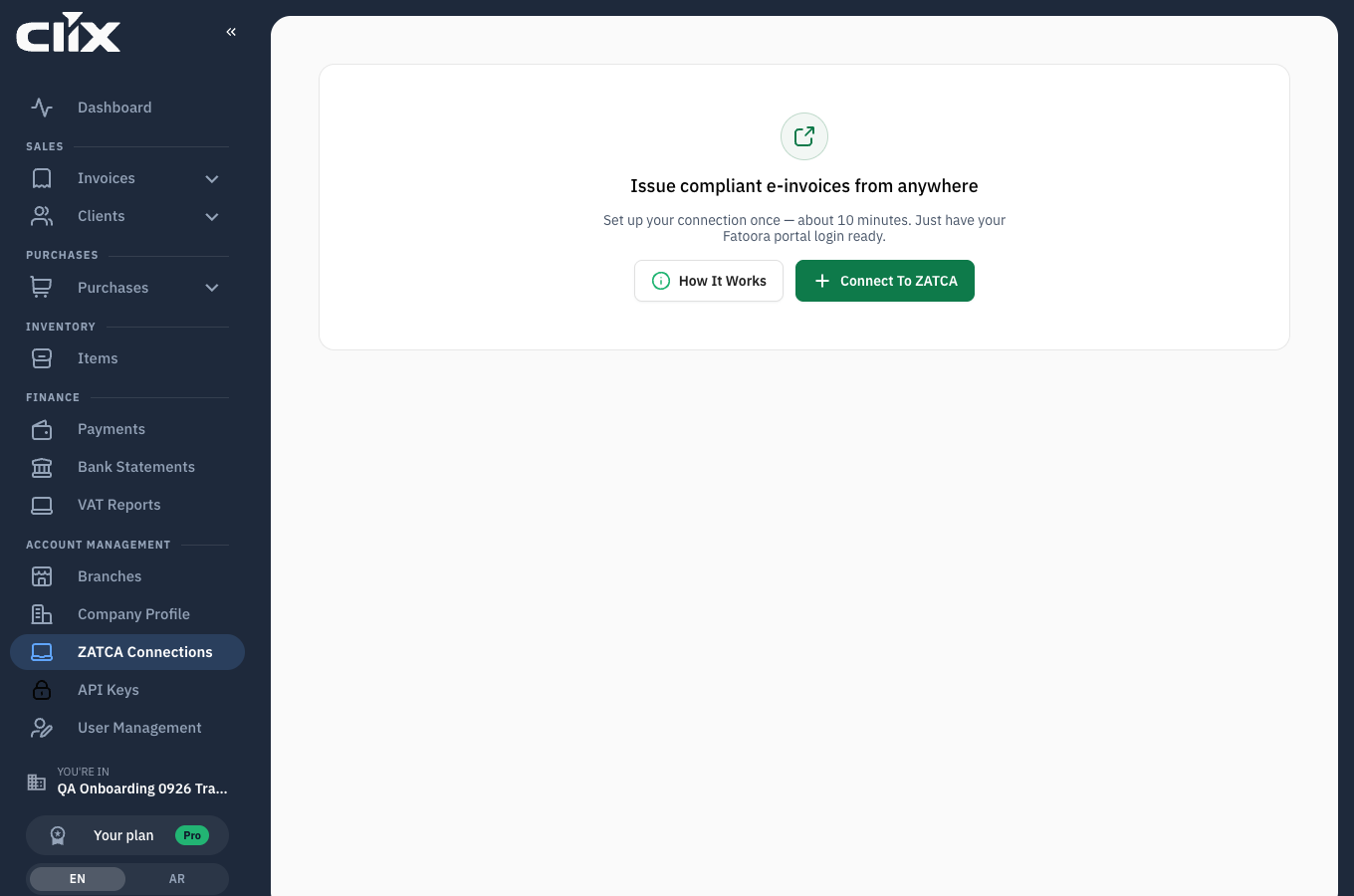
Before any device exists the screen explains the step and offers Connect to ZATCA and How it works. Once devices exist, each is listed with its branch, invoice type and certificate state.
What a device is tied to
| Bound to | Why it matters |
|---|---|
| One branch | The branch address is printed on invoices from this device |
| One invoice type | Standard (B2B), simplified (B2C), or both, within what your organisation sells |
| One certificate | Issued by ZATCA at registration and valid for a fixed period |
If you invoice from two locations, or need standard and simplified from separate tills, you need more than one device.
Tasks
Register a device
Why. Nothing can be invoiced without one.
Who. Admin.
- Open ZATCA Connections and click Connect to ZATCA.
- Give the connection a name you will recognise — "Riyadh shop till 1".
- Choose the invoice type and the branch.
- Paste the Fatoora code (OTP).
- Click Add Device.
Result. Clix generates a signing request, exchanges it with ZATCA and stores the certificate. The device is ready to sign invoices.
Get the OTP from Fatoora
Who. Whoever holds your ZATCA taxpayer login.
- Open the Fatoora portal — there is a button on the screen.
- Log in as the taxpayer.
- Generate an OTP for a new device (ZATCA calls it an onboarding code).
- Paste it into Clix promptly.
The OTP is short-lived
ZATCA OTPs expire quickly. If registration fails, generate a fresh one rather than reusing the old code.
Renew a certificate
Why. Certificates expire. An expired certificate stops invoicing.
Who. Admin.
Clix emails reminders before expiry. Renew from the device's entry under ZATCA Connections.
What an expired certificate breaks
Invoices cannot be signed or submitted while a device's certificate is expired. Existing invoices are unaffected — they stay cleared — but you cannot issue new ones from that device until it is renewed.
If you skipped this during setup
You can. Onboarding lets you Skip the ZATCA step and reach the dashboard, and the dashboard checklist keeps "Connect to ZATCA" as step 1. You simply cannot issue an invoice until it is done.
Related
- Connect a device to ZATCA — the guided first-time walkthrough
- Devices, certificates and branches
- Branches